GEAR LIBRARY SUPPORT
A little help.
Back to creating.
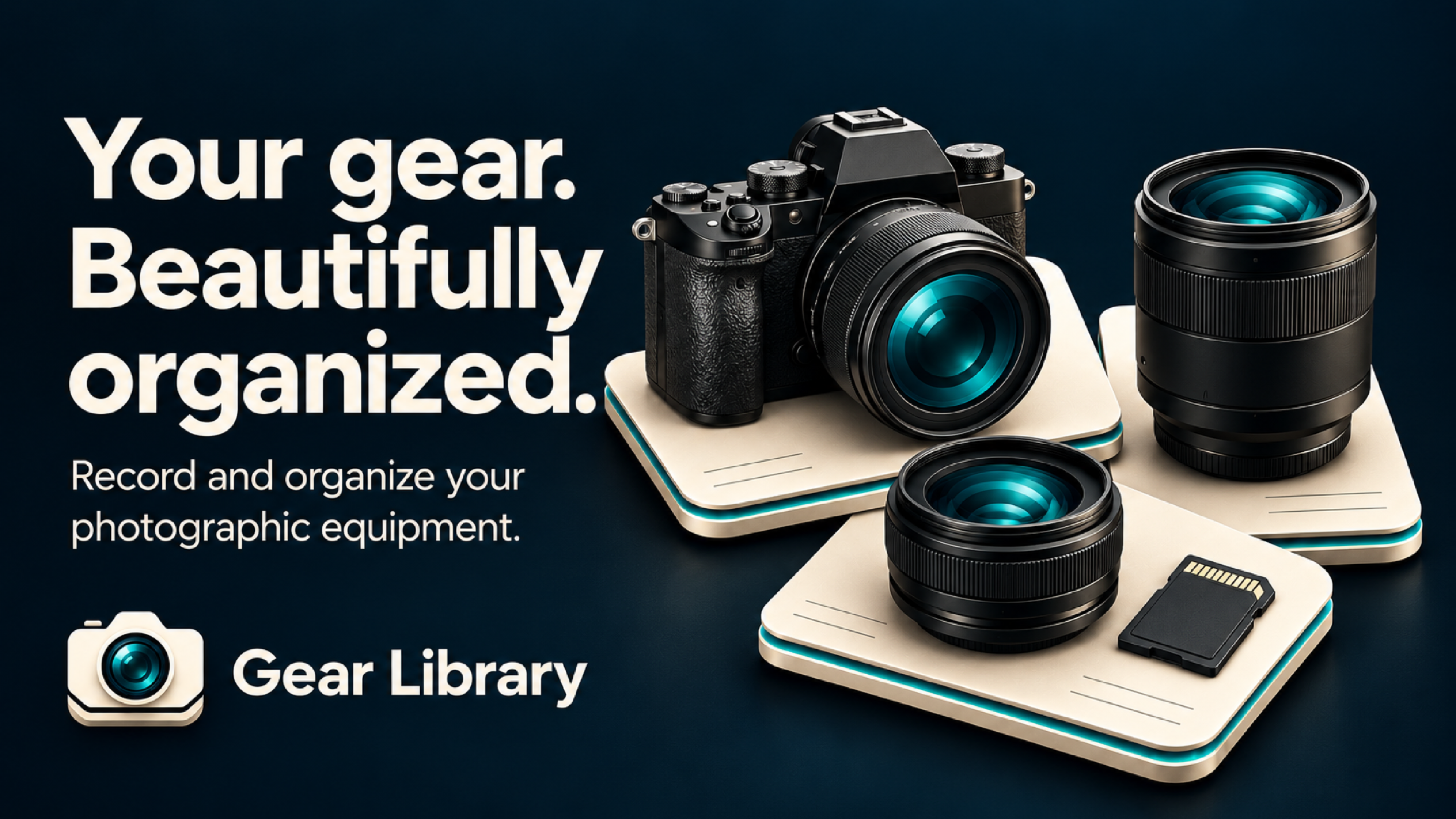
Your equipment, organized your way. Find answers about Gear Library - Photo Kit, or get in touch for a hand.
Email support Explore common questions LESS SEARCHING. MORE SHOOTING.
THE QUICK ANSWERS
Get to know
your library.
A flexible home for your cameras, lenses, and all the little things that make the shot.
Still need help?What can I keep in Gear Library?
Keep a record of your photographic equipment, from camera bodies and lenses to accessories. Photograph items and add tags, serial numbers, notes, and the details that matter to you.
Can I add my own fields?
Yes. Gear Library uses an open schema, so you can create custom fields for each item. Organize the information around your equipment and the way you work.
What are reusable templates?
Templates let you reuse a set of fields for similar equipment. For example, create a Lenses template or a Camera Bodies template so you can keep consistent details across your collection.
How can I remember where something is?
Add a note or a photo showing where you keep an item at home or in the office. Use tags and custom fields to record location details in a way that works for you.
How do I report a problem?
Email callan@schebella.net with what happened, what you expected, and the steps that led to the problem. Include your iPhone model, iOS version, and app version if available. Screenshots can help; please hide any personal information or serial numbers first.
Can I suggest a feature?
Absolutely. Send your idea by email and tell us how it would help you organize or find your gear.
A HUMAN ON THE OTHER END
Let’s get it sorted.
Questions, a bug, or an idea for your library?
Drop a note and tell us what’s on your mind.